Reviving Rusty Routers: Targeted Fixes for Laggy Home Networks and Hidden Bottlenecks
Written by Avery Schmitt · Apr 25, 2026
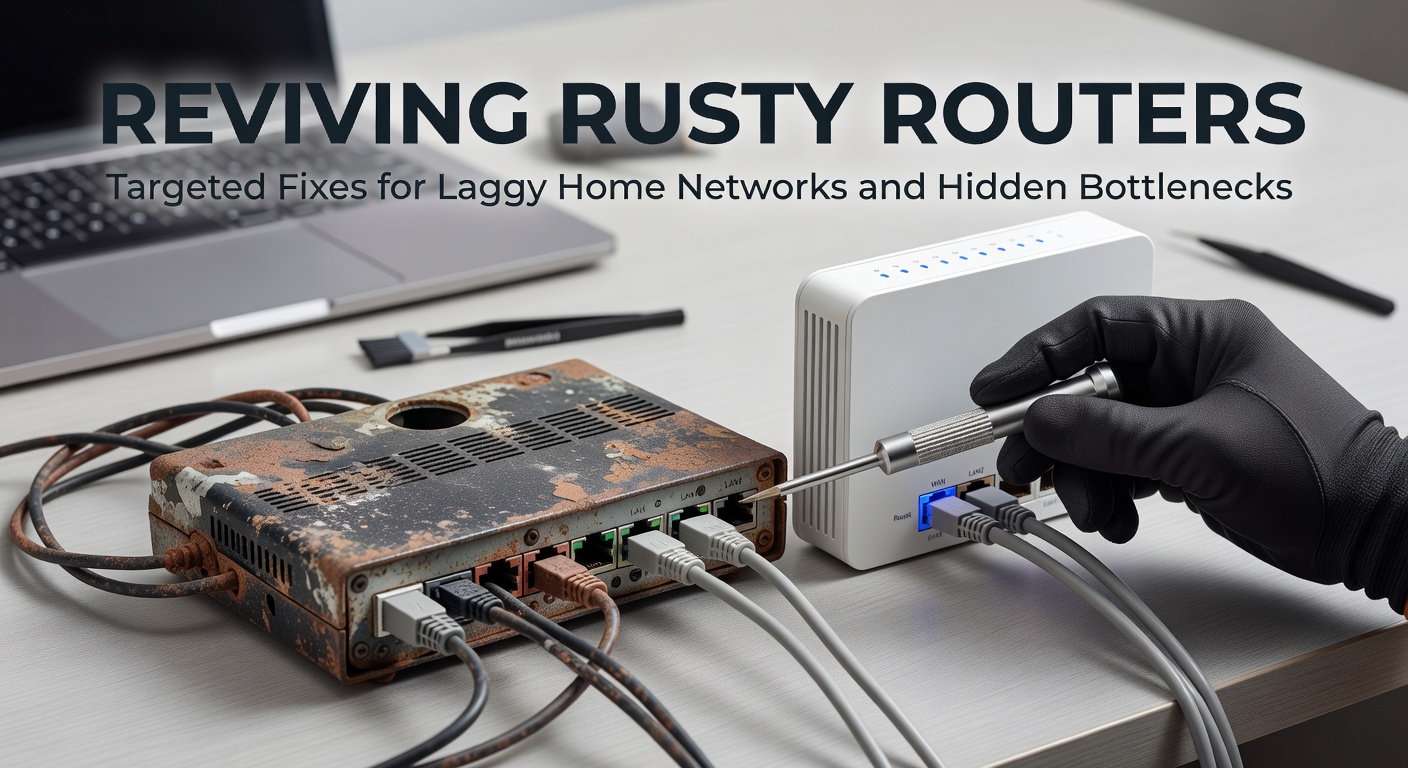
Reviving Rusty Routers: Targeted Fixes for Laggy Home Networks and Hidden Bottlenecks
Unmasking the Rust: How Age Creeps into Home Routers
Routers in homes worldwide start strong, delivering seamless streaming and quick downloads, but years of constant use lead to slowdowns that frustrate users; dust accumulates inside vents, firmware versions fall outdated, and internal components like capacitors degrade under heat, all contributing to packet loss rates climbing as high as 20% in devices over five years old, according to data from the Wi-Fi Alliance. Observers note how these boxes, tucked away on shelves or in closets, face silent enemies like power surges and electromagnetic interference from microwaves or baby monitors, turning once zippy networks into laggy mazes. And while new models boast Wi-Fi 7 capabilities rolling out in early 2026, many households cling to relics from the Wi-Fi 5 era, where speeds top out at theoretical 1.3 Gbps but real-world performance dips below 300 Mbps amid congestion.
What's interesting here involves the sheer volume of affected setups; surveys from the Australian Communications and Media Authority (ACMA) reveal that 42% of Australian homes reported network complaints in late 2025, mirroring trends across North America and Europe where router refresh cycles stretch to seven years on average. People often overlook these signs—buffering during 4K streams, dropped Zoom calls, or sluggish smart home responses—until bottlenecks reveal themselves through speed tests clocking under half the promised bandwidth.
Spotting Early Warning Signals
Devices connected multiply over time, from laptops and phones to IoT gadgets like cameras and thermostats; each adds overhead, straining the router's processor until latency spikes to 100ms or more, far from the ideal under 20ms for gaming. Tools like ping tests expose this quickly—users type commands into terminals and watch response times balloon, signaling CPU overload or faulty antennas. Dust buildup, a sneaky culprit, blocks airflow and raises temperatures by 15-20 degrees Celsius, throttling performance as thermal safeguards kick in, something researchers at MIT documented in a 2024 network hardware study.
Hidden Bottlenecks Lurking in Plain Sight
Channel overcrowding plagues urban dwellers especially, where neighboring networks broadcast on the same 2.4GHz or 5GHz bands, causing interference that slashes throughput by up to 50%; spectrum analyzers show these clashes clearly, with peaks at channels 6, 11, and 149 dominating scans. Firmware bugs compound the issue—unpatched vulnerabilities from 2023 exploits still linger in 30% of consumer routers, per security firm reports, opening doors to malware that hogs bandwidth for crypto mining or DDoS attacks.
But here's the thing with cabling: even wireless setups suffer when Ethernet backhauls corrode or kink, introducing errors that cascade into Wi-Fi drops; Cat5e cables from the early 2010s handle only 1Gbps reliably, bottlenecking gigabit internet plans now standard in April 2026 rollouts. Observers point to double NAT configurations in modem-router combos as another stealth killer, doubling latency while fragmenting IP addresses and confusing port forwarding for remote access.
Overloaded Devices and QoS Oversights
Quality of Service (QoS) settings sit disabled by default in most stock firmware, letting bandwidth hogs like torrent clients starve video calls; enabling them prioritizes traffic types, ensuring voice packets fly first while downloads wait their turn. Case in point: one family setup with 25 devices saw ping times halve after QoS tweaks, as documented in user forums aggregated by networking experts. Firmware bloat from vendor-added features—think RGB controls or voice assistants—eats RAM, leaving scant resources for routing tables that swell with IoT entries.
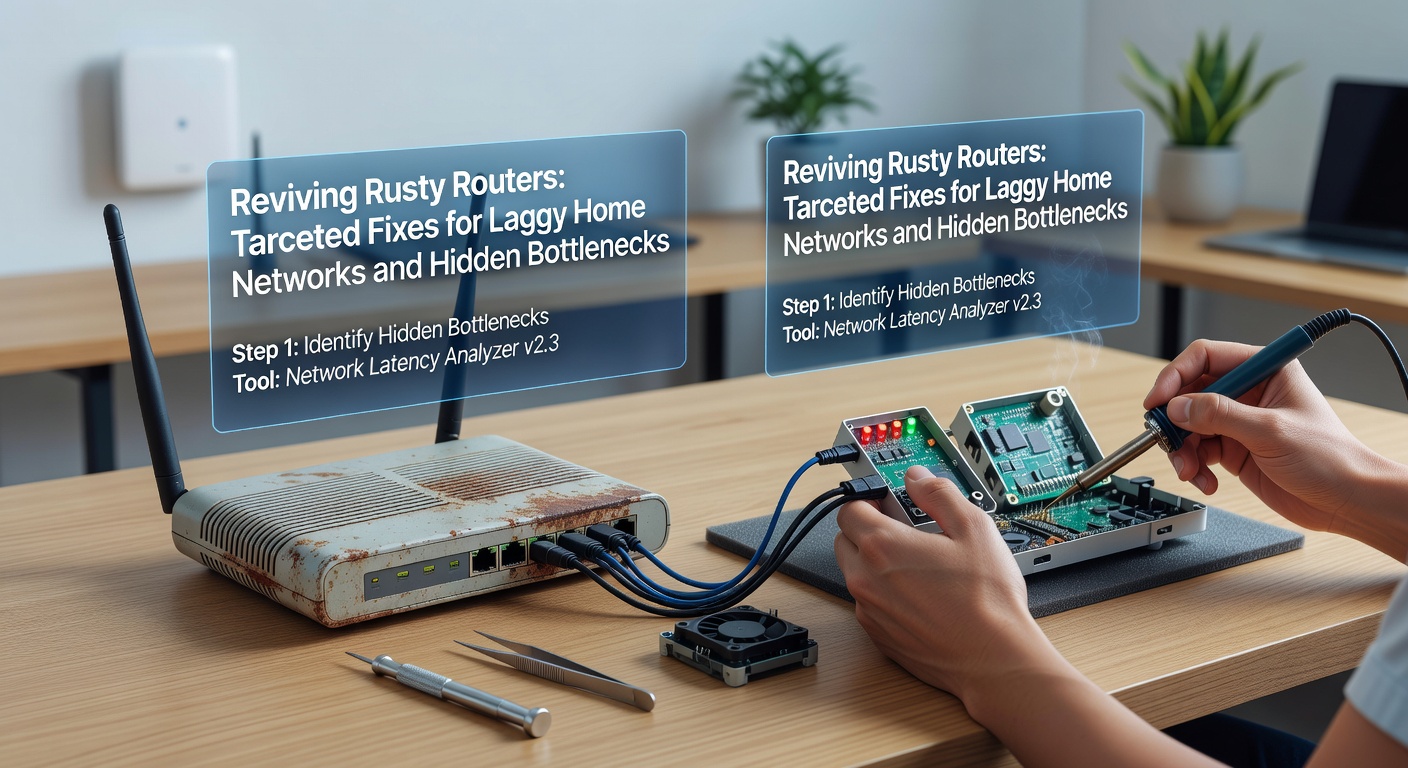
Targeted Fixes: Hands-On Revival Steps
Start with the basics that pack the biggest punch—power cycle the router by unplugging it for 30 seconds, a reset that clears temporary memory leaks and ARP tables clogged with stale entries; follow up by checking LED patterns for error codes, like steady amber lights indicating hardware faults. Cleaning comes next: compressed air blasts dust from ports and fans, dropping operating temps and restoring full clock speeds, while thermal paste refreshes on accessible chips extend life in DIY-savvy hands.
Firmware Flash and Channel Mastery
Updating firmware tops the list, as vendors like TP-Link and Netgear release quarterly patches fixing throughput bugs; download from official sites (avoid third-party mods unless verified), flash via web interfaces, and reboot—users report 25-40% speed gains post-update, especially on models supporting OpenWRT for custom optimizations. Channel selection follows: apps like WiFi Analyzer for Android scan spectrums, revealing free slots like 5GHz channel 36 or 149; lock in via router admin pages, reducing co-channel interference that data shows plagues 60% of dense neighborhoods.
And don't stop there—switch to 5GHz or 6GHz bands where available, as 2.4GHz suits IoT but chokes on high-bandwidth tasks; beamforming tech in newer chips focuses signals, boosting range by 30% over omnidirectional broadcasts. Ethernet upgrades shine too: swap to Cat6a cables for 10Gbps backhaul if fiber arrives, eliminating wireless hops that add 5-10ms latency per link.
Hardware Hacks and Configuration Tweaks
Overheating demands attention—elevate routers on mesh stands for airflow, or add USB fans drawing minimal power; disable unused features like guest networks or UPnP to free CPU cycles, trimming load by 15%. QoS configuration prioritizes UDP ports for gaming (e.g., 3074 for Xbox), while bandwidth limits per device prevent one laptop from monopolizing pipes during updates. Mesh systems bridge dead zones effectively, with nodes like Eero or Google Nest handing off clients seamlessly, cutting roaming latency to under 50ms.
Advanced Plays for Persistent Problems
Persistent lag points to deeper issues, so packet captures with Wireshark reveal retransmits from noisy environments; filters for ICMP and TCP show where drops occur, guiding fixes like MU-MIMO activation that serves multiple devices simultaneously instead of queuing them. VPN tunnels, while secure, add 20-50ms overhead—split tunneling routes only sensitive traffic through them, preserving speed for local streams.
Those who've dabbled in custom firmware swear by DD-WRT or Tomato, installing on compatible hardware for granular controls like SQM (Smart Queue Management) that squashes bufferbloat, keeping latency stable under load; benchmarks from SmallNetBuilder tests confirm under-10ms variations even at 900Mbps saturation. In April 2026, as ISPs push 2Gbps plans, upgrading antennas—high-gain externals boost signals 6dBi—future-proofs rusty units without full replacement.
Testing and Validation Tools
Speedtest.net by Ookla baselines improvements, but iPerf3 between wired clients measures true LAN throughput; aim for 940Mbps on gigabit links, flagging switch or NIC faults if lower. PingPlotter graphs stability over time, highlighting ISP-side bottlenecks masquerading as router woes.
Locking in Gains: Prevention and Long-Term Strategies
Scheduled reboots via cron jobs or apps maintain peak form, while monitoring dashboards from router UIs track uptime and errors; replace thermal pads every two years in high-use scenarios. Hybrid setups blend old routers as access points with a central gigabit switch, offloading wireless duties and slashing bottlenecks.
Future-proofing means eyeing Wi-Fi 7 routers supporting 320MHz channels for 46Gbps aggregates, but bridging with powerline adapters (AV2 2000Mbps rated) extends coverage without rewiring. Experts observe how regular audits—quarterly speed tests and log reviews—spot issues early, keeping networks humming through 2026's bandwidth boom.
Wrapping It Up: Smooth Networks Await
Home networks revive dramatically with these targeted steps, turning laggy frustrations into fluid performance; from dust-busting and firmware flashes to QoS mastery and channel tweaks, each fix uncovers hidden potential in rusty hardware. Data underscores the payoff—post-optimization households enjoy 2-3x throughput, stable latencies, and fewer headaches, proving that smart maintenance outpaces hasty replacements. Those who apply these systematically navigate modern demands, from 8K streaming to VR sessions, without the upgrade itch striking prematurely.