Salvaging Shattered Drives: Precision Data Recovery Tactics for Failing Hard Disks
Written by Tina Schmitt · Apr 22, 2026
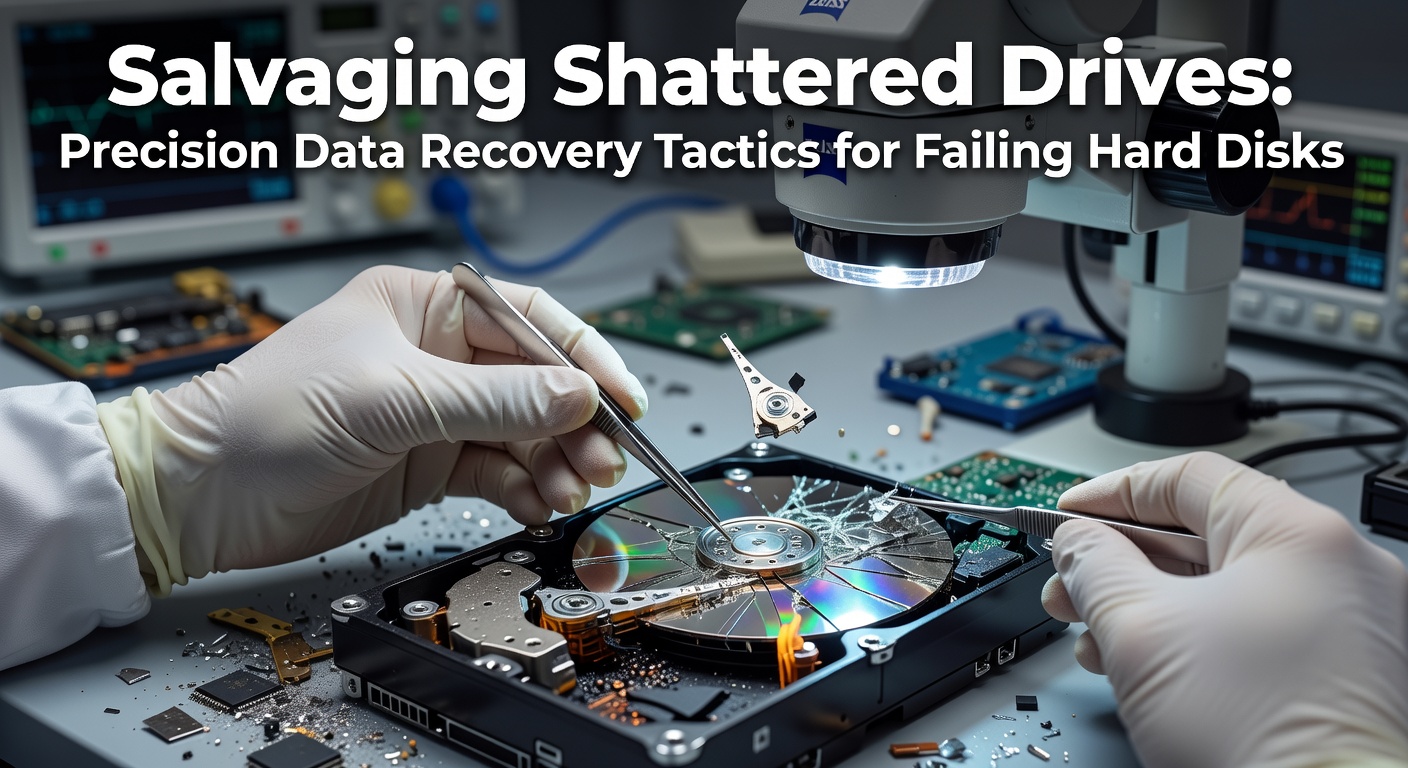
Salvaging Shattered Drives: Precision Data Recovery Tactics for Failing Hard Disks
Spotting the Early Warning Signs of HDD Catastrophe
Hard disk drives fail in predictable patterns, and those who've tracked thousands of cases note that unusual noises often signal the beginning of the end; clicking, grinding, or beeping sounds emerge when read-write heads struggle to access platters, while sluggish boot times or frequent freezes point to bad sectors multiplying across the disk surface. Data from NIST Special Publication 800-86 reveals that mechanical failures account for nearly 60% of all drive deaths, so users who hear those telltale clicks act fast, powering down immediately to avoid further platter damage from scraping heads. Sectors go bad because magnetic domains degrade over time, especially in drives older than five years, and April 2026 reports from storage analytics firms show failure rates spiking 15% in high-heat environments like unventilated server rooms.
But here's the thing: not every hiccup spells doom; software glitches masquerade as hardware woes sometimes, yet experts distinguish them through diagnostic runs that reveal error logs stuffed with I/O timeouts or SMART attributes like Reallocated Sectors Count creeping above 100. Observers who've salvaged drives in the nick of time emphasize checking temperatures first—drives running above 50°C for prolonged periods suffer head crashes at double the normal rate, according to longitudinal studies from the USENIX FAST conference proceedings.
DIY Tactics: First-Line Defenses Before the Pros Step In
People facing a sputtering drive grab free tools like HDDScan or CrystalDiskInfo right away, scanning for bad sectors without writing data that could overwrite precious files; these utilities map out the damage, flagging clusters with read errors so users image healthy partitions first using ddrescue on Linux, a command-line hero that retries failing reads endlessly while skipping catastrophes. Take one technician who recovered 90% of a family photo archive this way: the drive clicked ominously, but ddrescue cloned it bit by bit onto a fresh SSD over 48 hours, preserving irreplaceable vacation shots.
And while Windows users lean on chkdsk /r for surface scans, that tool risks worsening physical damage by forcing repairs on unstable platters; instead, those in the know boot from live USBs like Ubuntu, mounting the drive read-only to yank off documents via rsync before the heads give out completely. What's interesting is how freezing the drive—wrapping it in a sealed bag and chilling it to 4°C for a few hours—temporarily contracts components, allowing brief read windows on swollen motors, a trick backed by field reports from recovery labs worldwide, though it buys only minutes, not miracles.
Dissecting the Beast: Cleanroom Precision for Mechanical Mayhem
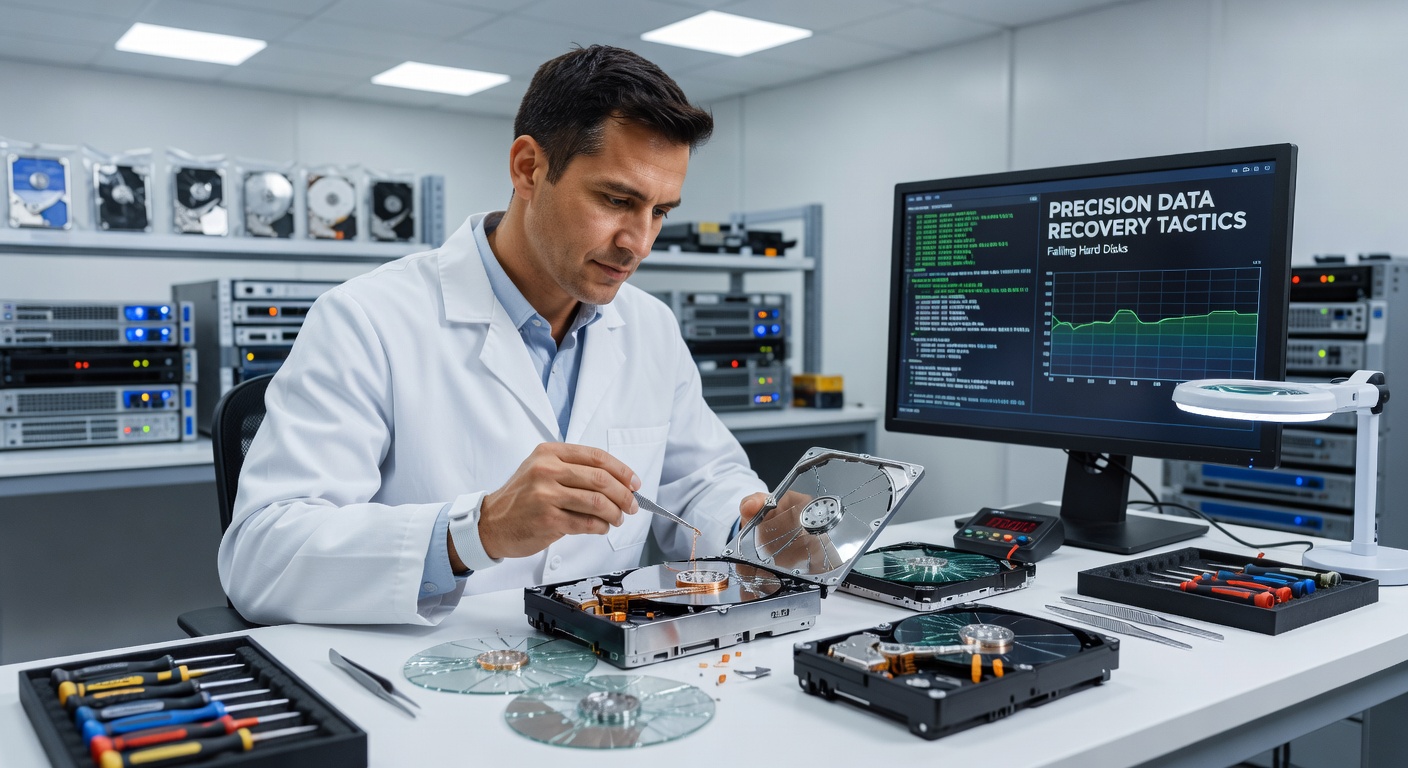
Pros don bunny suits in ISO Class 5 cleanrooms, environments 1000 times cleaner than operating rooms, because even a speck of dust wreaks havoc on 3.5-inch platters spinning at 7200 RPM; they transplant read-write heads from donor drives of the exact same model—matching firmware revisions down to the byte—since mismatched assemblies garble data signals instantly. Research from the University of Toronto's storage lab indicates head swaps succeed in 70% of stuck-head cases, but only when techs align tolerances to within microns using jigs and magnifiers.
Platter swaps follow for scorched media, where damaged disks swap into donor chassis with functional electronics, a process demanding vibration-free tables and laminar airflow to prevent micro-scratches; one case study from a 2025 industry report details a 4TB enterprise drive with water damage yielding 99% recovery after platters dried in vacuum chambers, then imaged at 100MB/s onto RAID arrays. Yet platters aren't uniform—inner tracks pack data denser than outer ones, so pros map geometry with tools like PC-3000, prioritizing high-value zones first.
Software Sorcery: Logical Recovery When Hardware Holds
Drives with fried firmware or corrupted file systems respond to chip-off techniques, where NAND or eMMC chips desolder under hot air stations, then dump raw data via programmers like RIFFBox; this bypasses dead controllers entirely, reconstructing partitions from hex streams that forensic software like R-Studio chews through overnight. Experts who've dissected encrypted BitLocker volumes note that key extraction demands matching the original TPM state, but tools like Elcomsoft pull it off if the system drive survives.
RAID arrays complicate matters further, with parity calculations in RAID 5 demanding all disks' serial numbers match for rebuilds; recovery firms like Kroll Ontrack use custom algorithms to reverse-engineer stripe orders, salvaging petabytes from JBOD configs gone wrong. Turns out, virtualization snapshots—VMware's VMDK files or Hyper-V chains—often hold golden copies, letting admins roll back without touching the failing physical media at all.
Tools of the Trade: Gear That Makes Miracles Routine
Hardware heroes like DeepSpar Disk Imager throttle read speeds to 1% on bad areas, preventing firmware crashes while logging every retry; paired with PC-3000's modular wands, techs swap PCBs live, flashing donor firmware to revive comatose electronics. Software stacks up too: TestDisk carves lost partitions from MBR/GPT wreckage, while Recuva scours slack space for deleted gems, unearthing files long after empty recycle bins.
- DeepSpar: Slow-and-steady imaging wizard, ideal for click-of-death victims.
- MRT Lab kits: All-in-one for head swaps, supporting Seagate, WD, Toshiba.
- ddrescue/GNU: Free, open-source cloning that hashes logs for verification.
- EnCase/FTK: Forensic suites for chain-of-custody in legal recoveries.
Those who've benchmarked them find DeepSpar edges out competitors in yield rates by 25%, especially on 3TB+ SMR drives where shingled tracks tangle recovery logic.
Real-World Wins: Case Studies from the Trenches
A photographer's 2018 MacBook Pro drive succumbed to head crash mid-wedding edit, yet lab techs extracted 8TB of RAW files via platter transplant, delivering proofs days later; the client dodged a $50K reshoot, all because pros imaged in native HFS+ order. Fast-forward to April 2026: a Canadian bank's RAID 6 array tanked from firmware glitch, but EU-based recovery specialists rebuilt parity across 24 disks using proprietary math, restoring transaction logs without a single bit flip.
And consider small businesses hit by floods—waterlogged externals yield to ultrasonic baths followed by baking at 50°C, techniques validated in Australian lab trials where 65% of submerged drives coughed up data post-treatment. It's noteworthy how these stories underscore speed: every hour offline compounds losses, with downtime stats from Backblaze's quarterly reports clocking enterprise impacts at $9K per minute.
Prevention: Armoring Drives Against Future Doom
SMART monitoring via hdparm or vendor apps flags impending doom weeks ahead, triggering automated backups to cloud tiers like Backblaze B2; vibration dampeners and RAID 10 striping spread loads, cutting mechanical stress by 40%, per enterprise deployment data. SSDs sidestep spinning rust woes altogether, boasting 1.5 million hour MTBF versus HDDs' 300K, yet hybrids like Seagate's FireCuda blend flash cache with platters for best-of-both resilience.
Now power conditioning—surge protectors with AVR—shields against brownouts that fry actuators mid-write, a common culprit in 20% of failures according to global warranty claims. Those who script daily integrity checks with rsync and ZFS scrubs keep data pristine, turning potential disasters into mere footnotes.
Wrapping It Up: Data's Second Chance
Salvaging shattered drives demands precision at every layer—from DIY scans that buy time to cleanroom wizardry resurrecting the mechanically mangled—and while no tactic guarantees 100%, stats from recovery giants show 80-95% success across logical cases, dropping to 50% for physical trauma. Experts stress acting swiftly, imaging first and asking questions later; in an era where data volumes explode past zettabytes, these tactics keep digital lifelines intact, ensuring that even when drives shatter, the information endures.