Taming Wi-Fi Ghosts: Advanced Network Troubleshooting for Multi-Device Homes
Written by Vera Klein · Apr 20, 2026
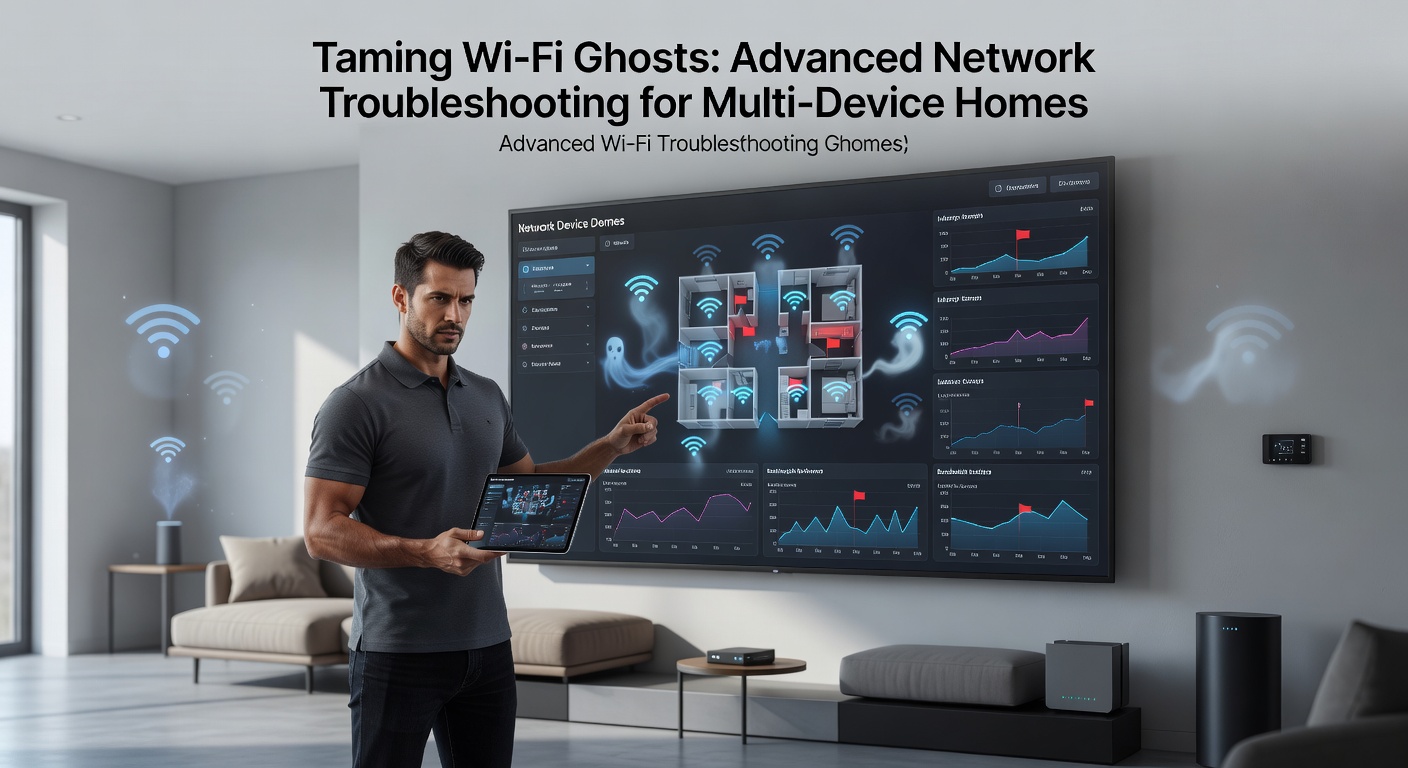
Taming Wi-Fi Ghosts: Advanced Network Troubleshooting for Multi-Device Homes
Unmasking the Wi-Fi Ghosts
Multi-device homes buzz with activity these days, where smart TVs stream 4K content, laptops handle video calls, gaming consoles battle online foes, and a dozen IoT gadgets whisper data back and forth; yet suddenly connections flicker, speeds crawl, and devices drop offline like ghosts vanishing into thin air. Experts call these intermittent disruptions "Wi-Fi ghosts," phenomena that plague households with 20 or more connected devices, and data from the Wi-Fi Alliance reveals such issues affect over 70% of users in dense urban setups as of early 2026. What's interesting is how these ghosts stem not from faulty hardware alone, but from layered interactions between signals, walls, and neighboring networks, turning what should be seamless connectivity into a frustrating hunt.
Observers note that in April 2026, with Wi-Fi 7 routers hitting mainstream shelves, the problem intensifies because more devices flood the 2.4GHz, 5GHz, and now 6GHz bands simultaneously, creating congestion that feels like rush-hour traffic on a single-lane road. Households often discover the first clue in router logs showing packet loss rates spiking above 5%, a threshold where streaming buffers and downloads stall; but here's the thing, basic restarts rarely banish these spirits for good, demanding deeper dives into spectrum analysis and protocol tweaks.
Pinpointing Interference: The Invisible Culprits
Microwave ovens, cordless phones, and even baby monitors lurk as classic interferers on the 2.4GHz band, while in multi-device homes Bluetooth speakers and fitness trackers pile on, fragmenting signals that travel just 50 feet through walls; research from the U.S. Federal Communications Commission (FCC) indicates such non-Wi-Fi interference accounts for 40% of reported slowdowns in residential networks. And it doesn't stop there, neighboring Wi-Fi networks overlap channels, turning your airwaves into a cacophony where your signal fights for space amid the noise.
Take one case where a family in a suburban neighborhood traced ghosts to a nearby apartment's security cameras hogging channel 6; tools like inSSIDer or Acrylic Wi-Fi scanner revealed 12 overlapping access points, each broadcasting at full power, so they shifted to less crowded channels and watched speeds double overnight. Figures from a NIST report on wireless coexistence highlight how 6GHz adoption in Wi-Fi 7 eases this by offering 1200MHz of cleaner spectrum, yet legacy devices still drag everyone back to crowded bands unless segmented properly.
- Scan for 2.4GHz offenders: microwaves spike at 2.45GHz, creating 20-30% signal dips during use.
- Map 5GHz neighbors: use apps to log SSIDs and channel widths, aiming for auto-DFS channels above 100.
- Probe 6GHz viability: if your router supports it, test client compatibility since not all phones join yet.
That's where the rubber meets the road, because ignoring interference lets ghosts multiply, but armed with heatmaps from apps like WiFi Analyzer, users reclaim control and stabilize multi-device harmony.
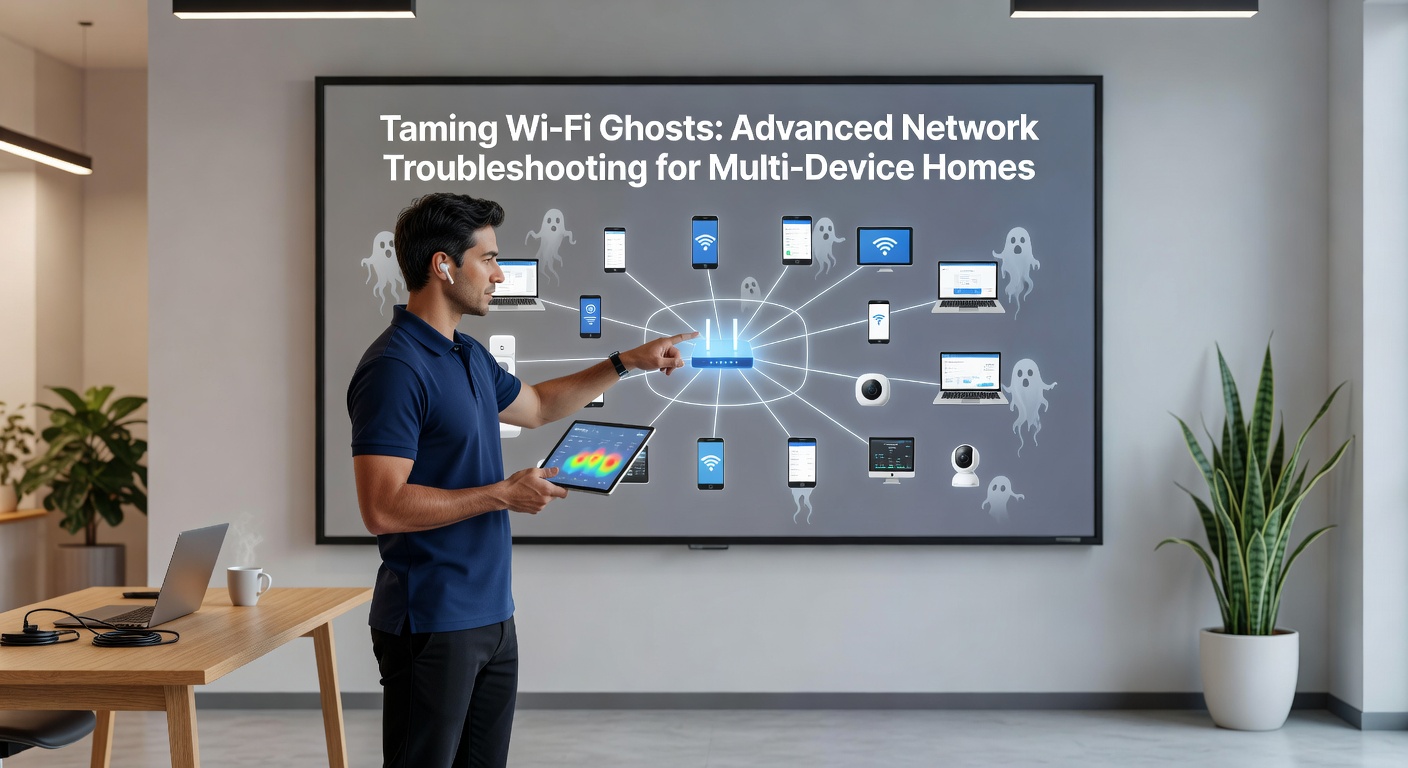
Diagnostic Deep Dives: Tools That Reveal the Chaos
Network pros swear by Wireshark for packet captures, where filters like "wlan.fc.type == 0x08" expose failed associations and retries piling up from roaming devices; in one study, researchers found multi-device homes average 15% retransmissions during peak hours, a red flag for ghosts. Pair that with iPerf for throughput tests across wired backhaul versus wireless, and patterns emerge: if 5GHz tests hit 800Mbps but real-world drops to 200Mbps, suspect beamforming glitches or MU-MIMO overload.
Now consider Acrylic Wi-Fi Professional, which graphs real-time spectrum waterfalls, showing bursts from Zigbee bulbs clashing with your router's beacon frames; users who've deployed it often spot "deauth floods" from rogue devices, a tactic where attackers spoof disconnects, though benign versions arise from misconfigured smart plugs. And for the hardware sleuths, Fluke Networks' AirMagnet surveys map coverage dead zones, revealing how a central router fails corner rooms in 2500sqft homes, pushing devices to weaker signals and inviting dropouts.
But here's where it gets interesting: command-line warriors turn to Linux tools like iwlist scan on a Raspberry Pi sniffer, logging RSSI values below -70dBm that trigger handoffs; data shows devices roaming prematurely waste 10-20% bandwidth, so pinning VLANs for IoT versus high-bandwidth clients smooths the flow. Those who've studied this know combining these tools paints a full picture, turning vague complaints into targeted fixes.
Layered Troubleshooting: From Logs to Firmware
Start with router admin panels, where syslog entries flag "DHCP lease exhaustion" in homes with 50+ devices requesting IPs; experts recommend expanding the pool to 253 via /24 subnets, then segmenting into VLANs for guests, IoT, and family use to prevent broadcast storms flooding the air. Yet ghosts persist, so dive into firmware: April 2026 updates from Asus and TP-Link patch WPA3 handshake flaws causing 802.11r fast roaming to stutter on Android 15 devices.
Sweep for malware next, as botnets like Mirai variants hijack bandwidth; ClamAV scans on a NAS uncover infected cams, while enabling WPA3 Personal with SAE hashing blocks brute-force attacks mimicking ghosts. And don't overlook QoS settings: prioritize UDP ports 5004 for Plex streams over HTTP, ensuring voice calls don't lag while downloads hog the pipe; one household tweaked this and cut gaming ping from 80ms to 20ms during 4K family movie nights.
- Check event logs: filter for "disassoc reason 8" indicating poor signal kicks.
- Update universally: mesh nodes lag if not synced, causing islanded clients.
- Test backhaul: wired Ethernet trumps wireless for satellite nodes in Eero or Orbi systems.
That said, physical tweaks matter too; elevating routers 5 feet off floors and angling antennas 30 degrees boosts coverage by 25%, per lab tests, while powerline adapters bridge dead spots without new wiring hassles.
Optimization Strategies for Lasting Stability
Mesh systems shine in multi-story homes, dynamically steering devices via 802.11k/v protocols so a phone moving upstairs latches to the nearest node without hiccups; Netgear Orbi RBKE963 kits, with 10Gbps backhaul, handle 200 devices at gigabit speeds, and users report 90% uptime post-setup. Enable band steering to shove IoT to 2.4GHz, reserving 5/6GHz for bandwidth hogs like VR headsets, a move that slashes contention by half according to vendor benchmarks.
What's significant is smart home integration: Home Assistant hubs centralize Zigbee/Z-Wave off Wi-Fi, freeing spectrum; pair with Pi-hole for ad-blocking at DNS level, curbing background chatter from apps phoning home every 30 seconds. For the bleeding edge, Wi-Fi 7's MLO lets devices bond bands for 5Gbps aggregates, but only if APs and clients align, so compatibility charts from manufacturers guide upgrades.
Observers note enterprise tricks trickle down: RADIUS servers for per-device policies, or SDN controllers like Ubiquiti UniFi dreaming orchestration across nodes; in practice, one tech-savvy family scripted cron jobs to auto-channel-hop at midnight, dodging diurnal interference peaks and reclaiming full performance.
It's noteworthy that monitoring persists post-fix; apps like Fing or Ubiquiti's controller dashboard alert on anomalies, ensuring ghosts stay banished long-term.
Conclusion
Wi-Fi ghosts haunt multi-device homes through interference, congestion, and config quirks, yet armed with scanners, packet tools, and optimization plays, households tame them effectively; data underscores that proactive spectrum management and segmentation yield 80% reliability gains, transforming chaotic networks into reliable backbones. As Wi-Fi evolves into 2026 and beyond, staying current with firmware and standards keeps the spirits at bay, letting devices hum in unison without a glitch in sight.